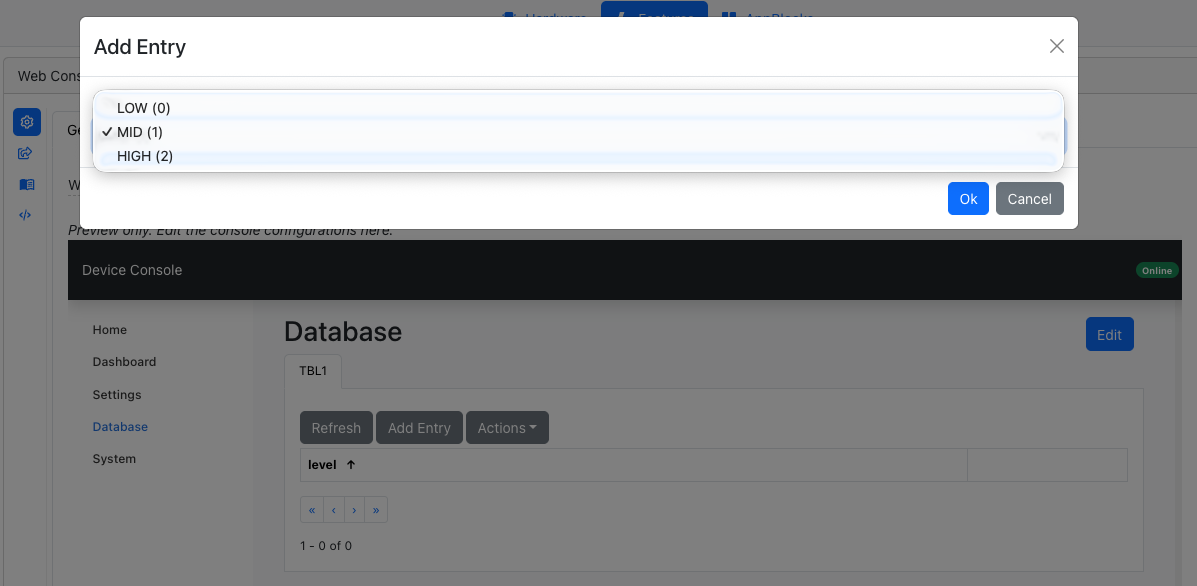
Data Table fields now support enum options in dropdowns. Instead of seeing 0, 1, 2, you can label them LOW, MID, HIGH — or anything else that makes sense for your project — and your users will see these labels in the UI.
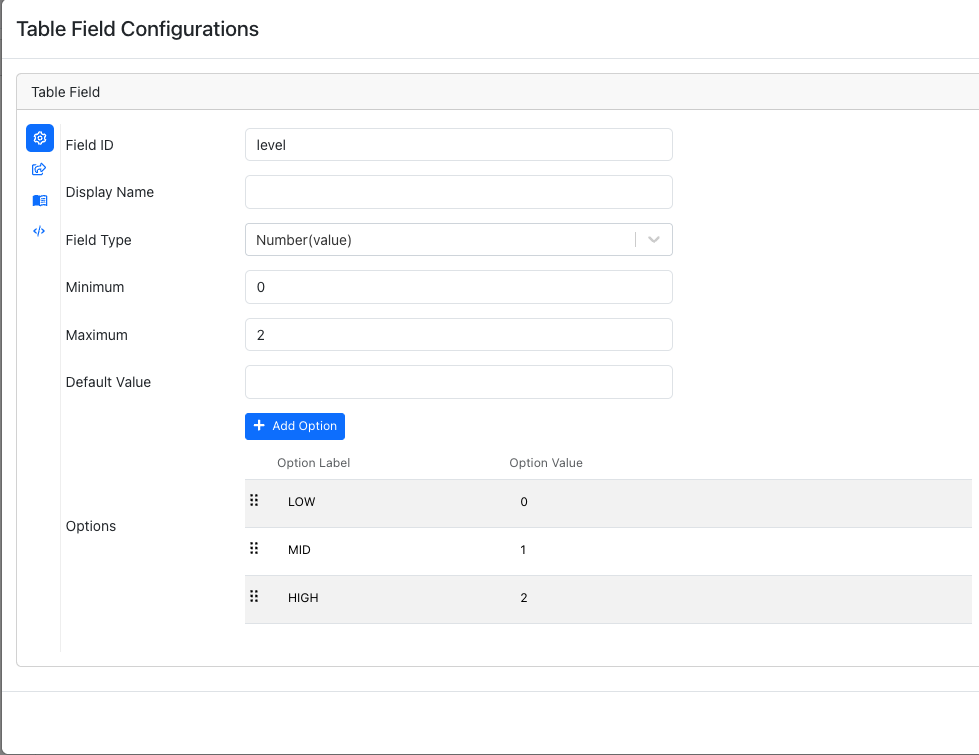
The user can then select the enum value from the dropdown in the UI.